Love at first sight.
Bought.
It’ll fit. Somehow.
Somehow.
And then: the stairs.
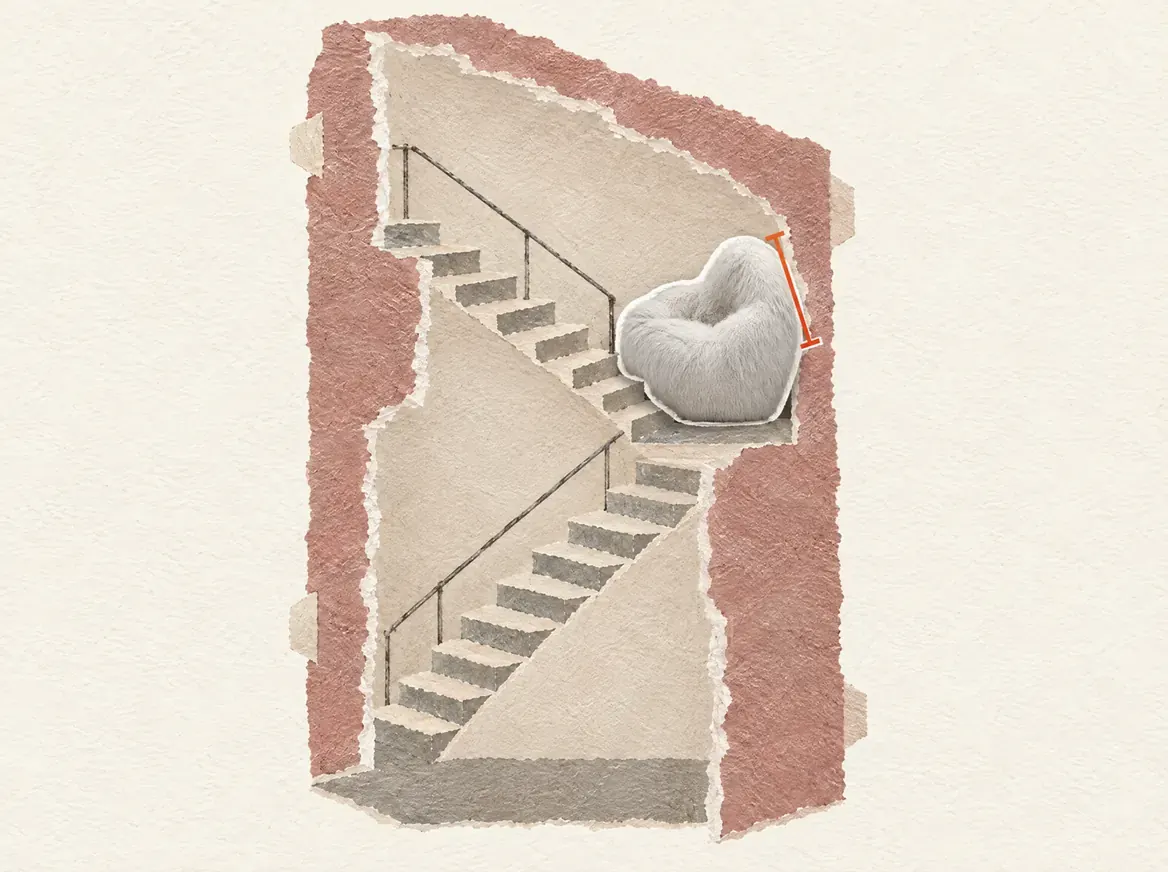
It doesn’t fit.
This isn’t working.
Once more from the top.
Scan first. Then buy.
SpaceSnug®
Check that it fits before you buy.
Download on the App StoreFor iPhone · Scanning with LiDAR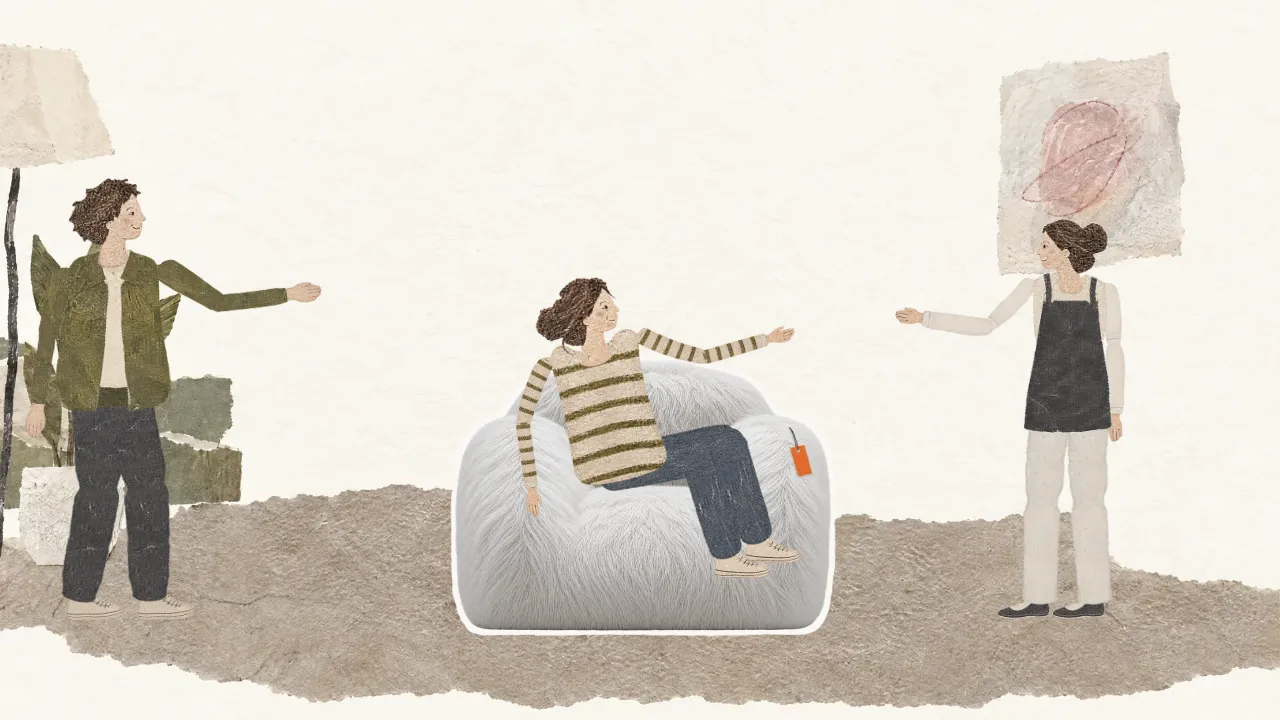
Love at first sight.
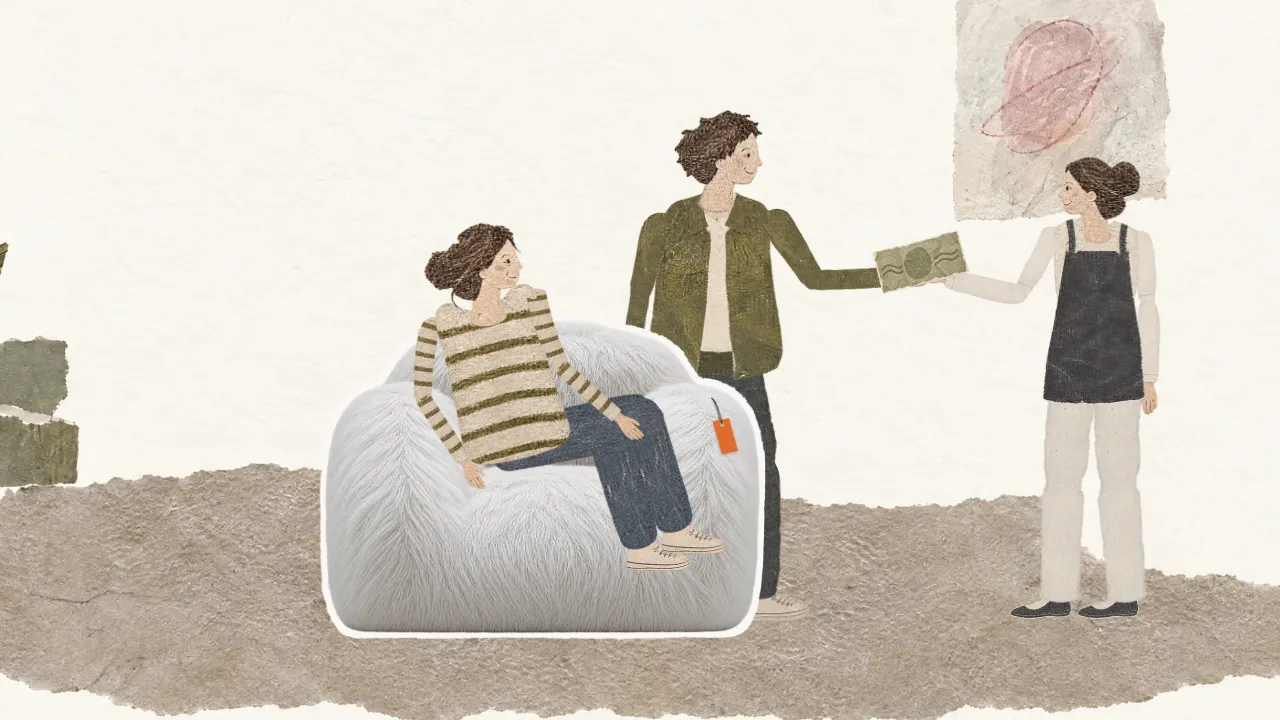
Bought.
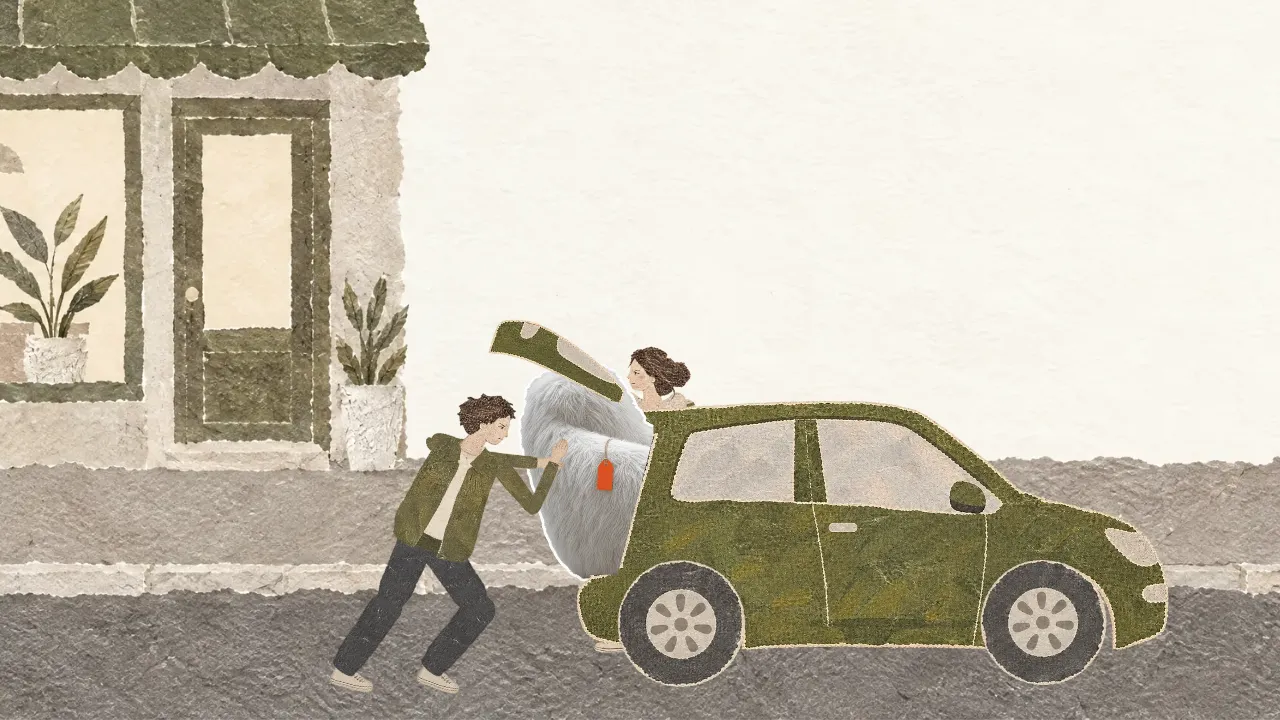
It’ll fit. Somehow.
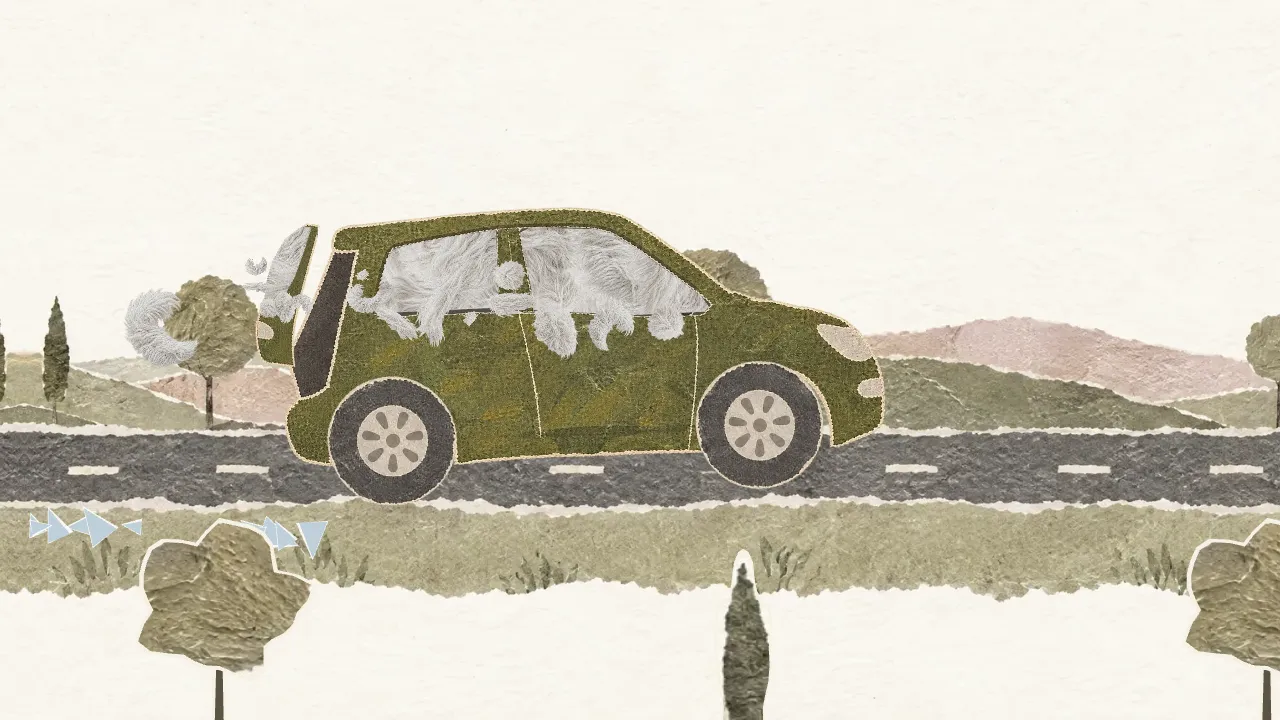
Somehow.
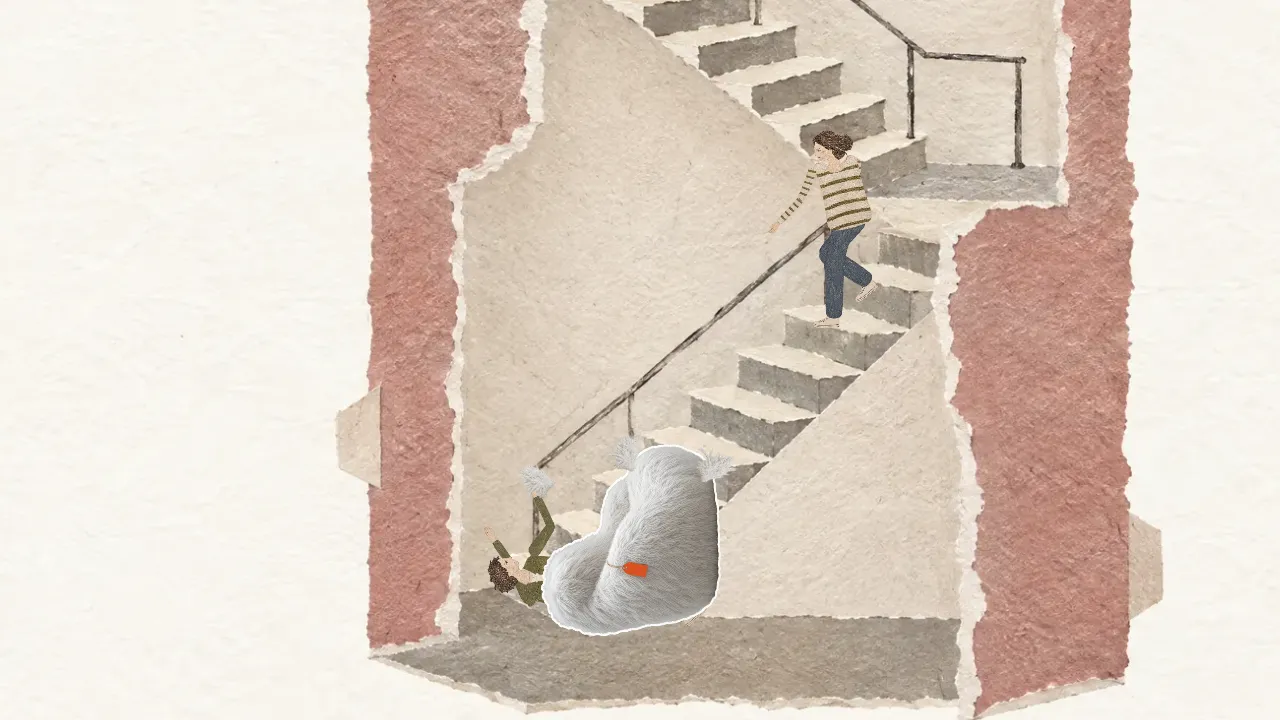
And then: the stairs.
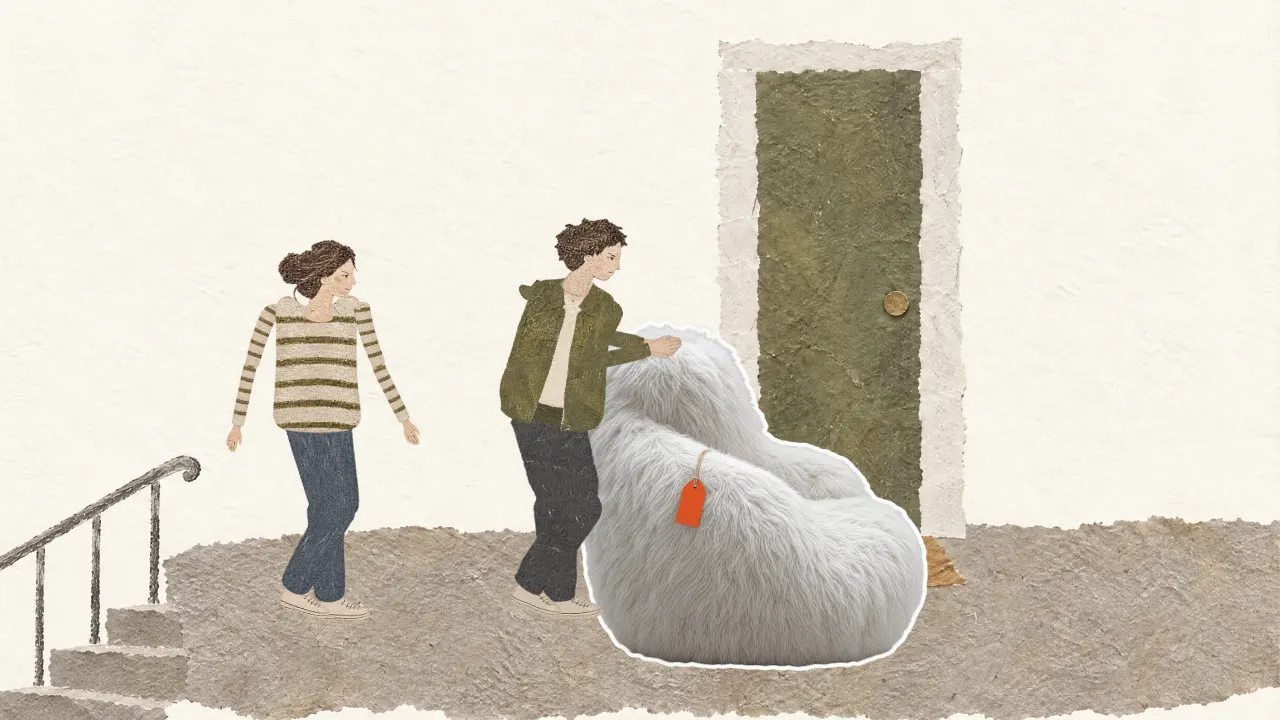
It doesn’t fit.
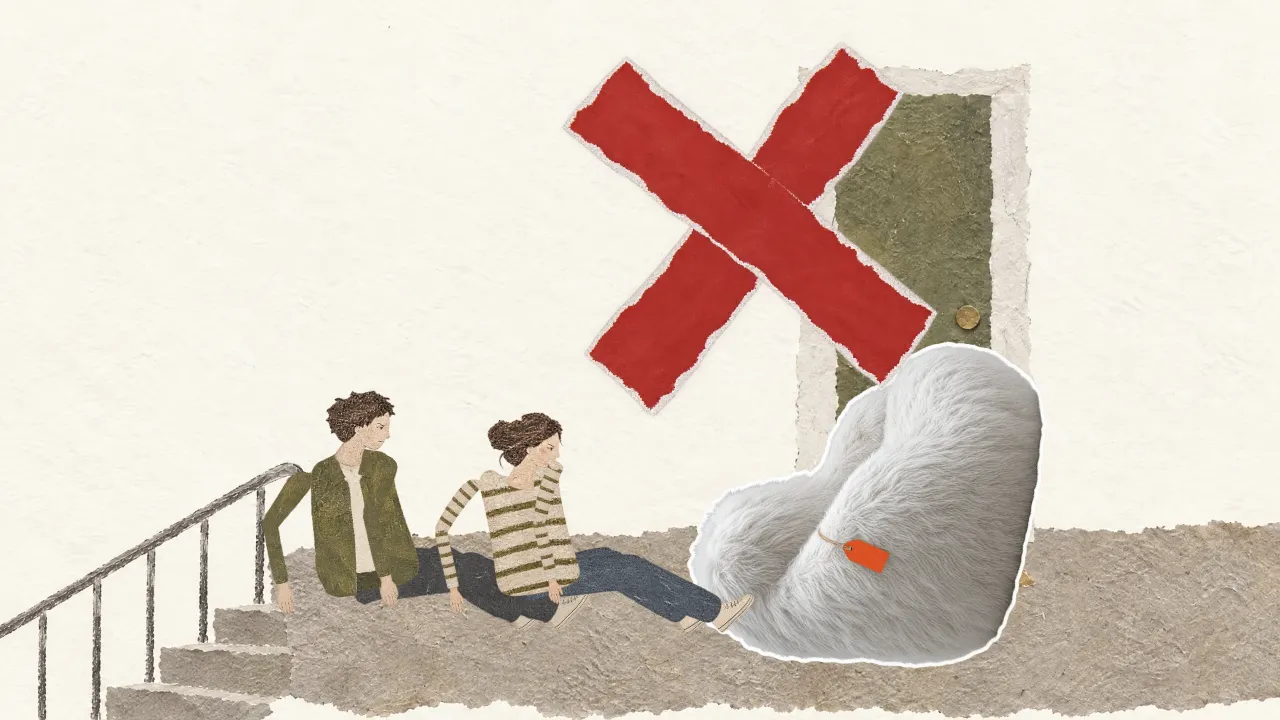
This isn’t working.
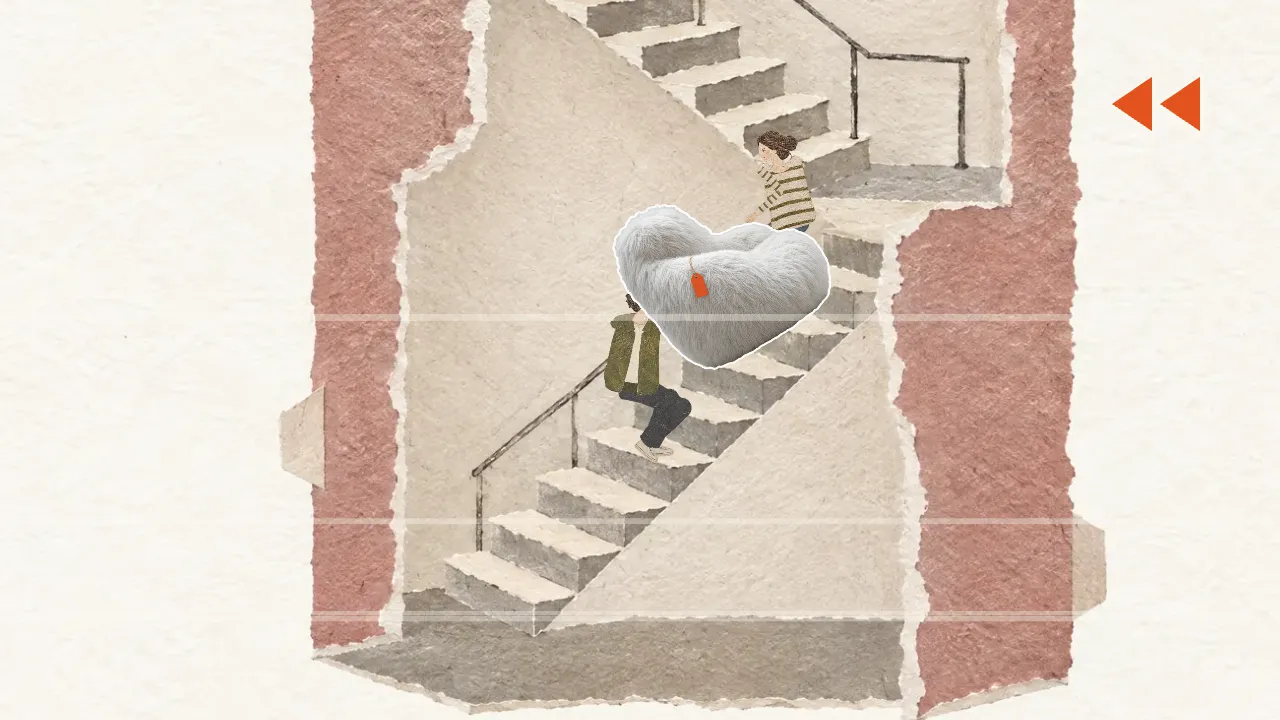
Once more from the top.
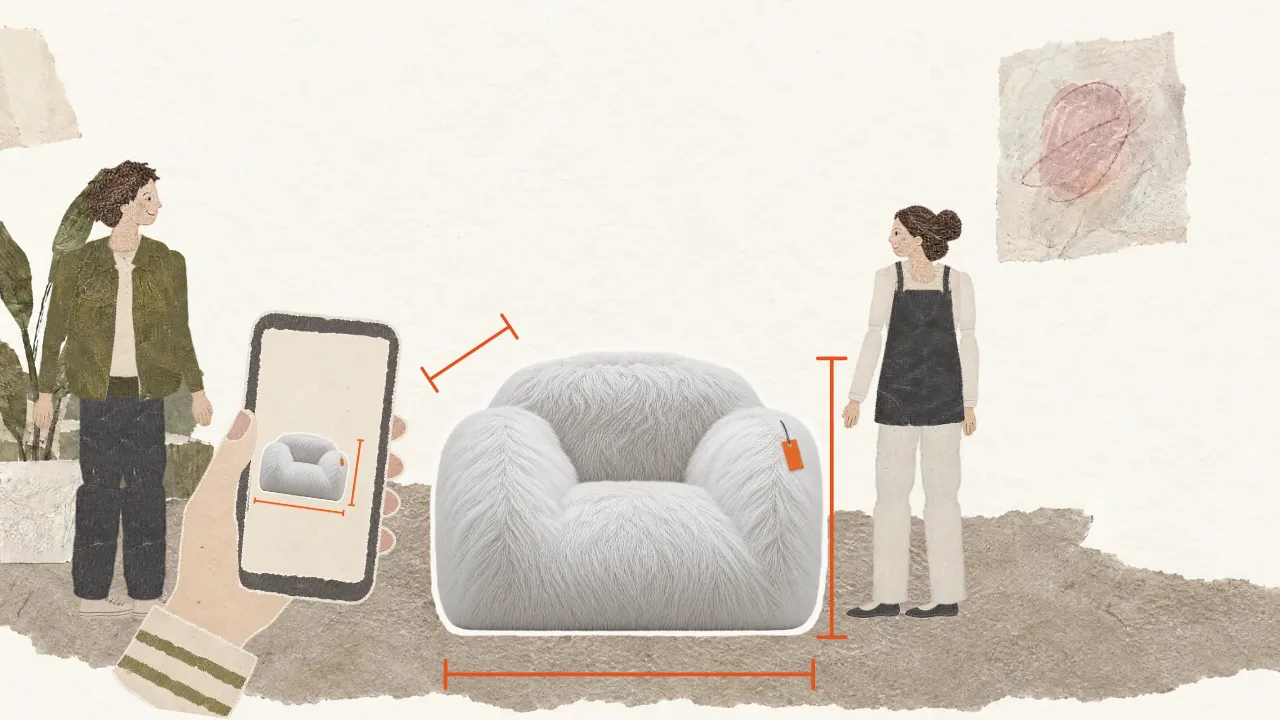
Scan first. Then buy.

SpaceSnug®
Check that it fits before you buy.
Download on the App StoreFor iPhone · Scanning with LiDAR
why spacesnug exists
Will your couch fit through the door? Measure first. Then carry.
New furniture is quick to buy. Whether it fits through the front door, up the stairs and into the alcove is often something you only find out when it's too late.
With SpaceSnug®, you know before. Scan your furniture and the route with your iPhone, and the app tells you whether it fits and how best to carry it. Everything is calculated right on your device, and your photos and 3D models stay on your iPhone.
questions ↓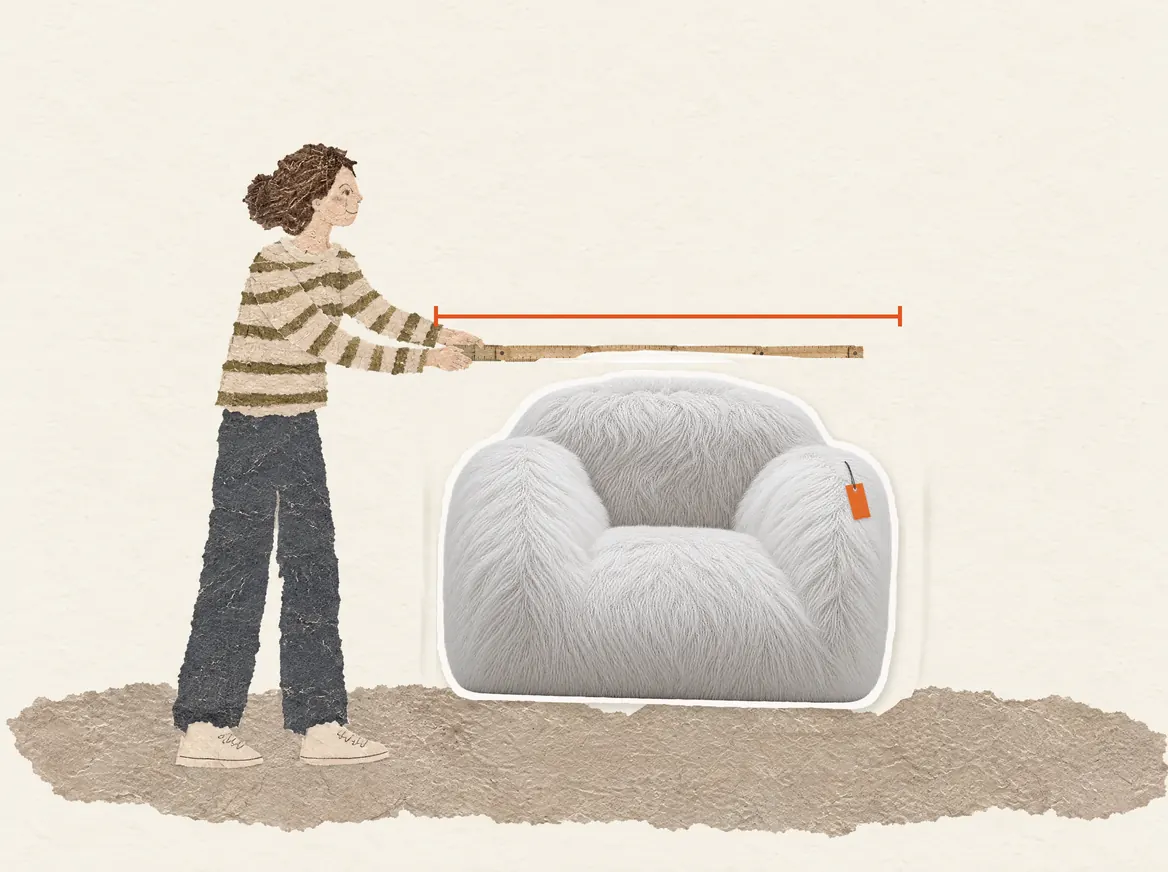
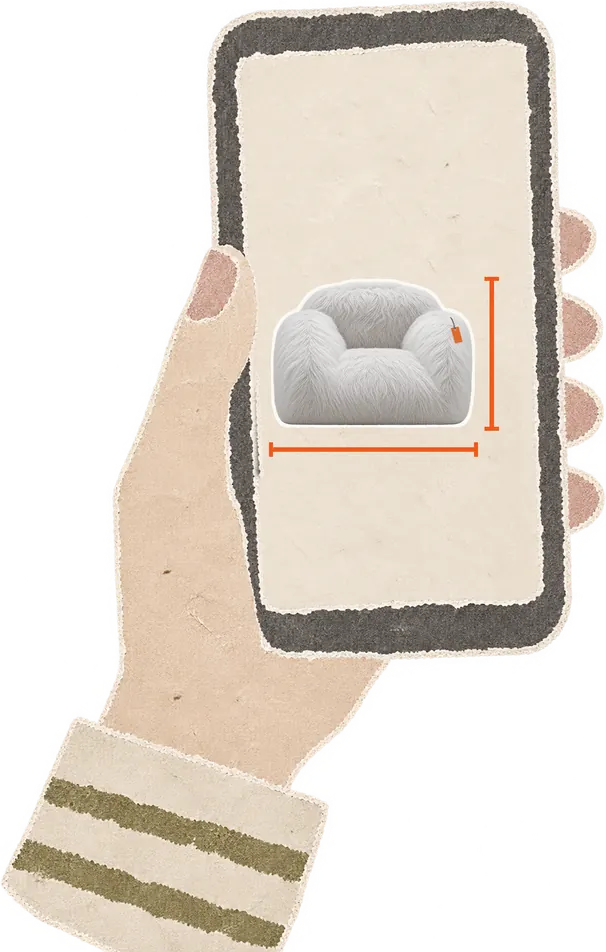
items
What you want to move.
A sofa, a wardrobe, a washing machine: scan your item and keep it as a 3D model on your iPhone.
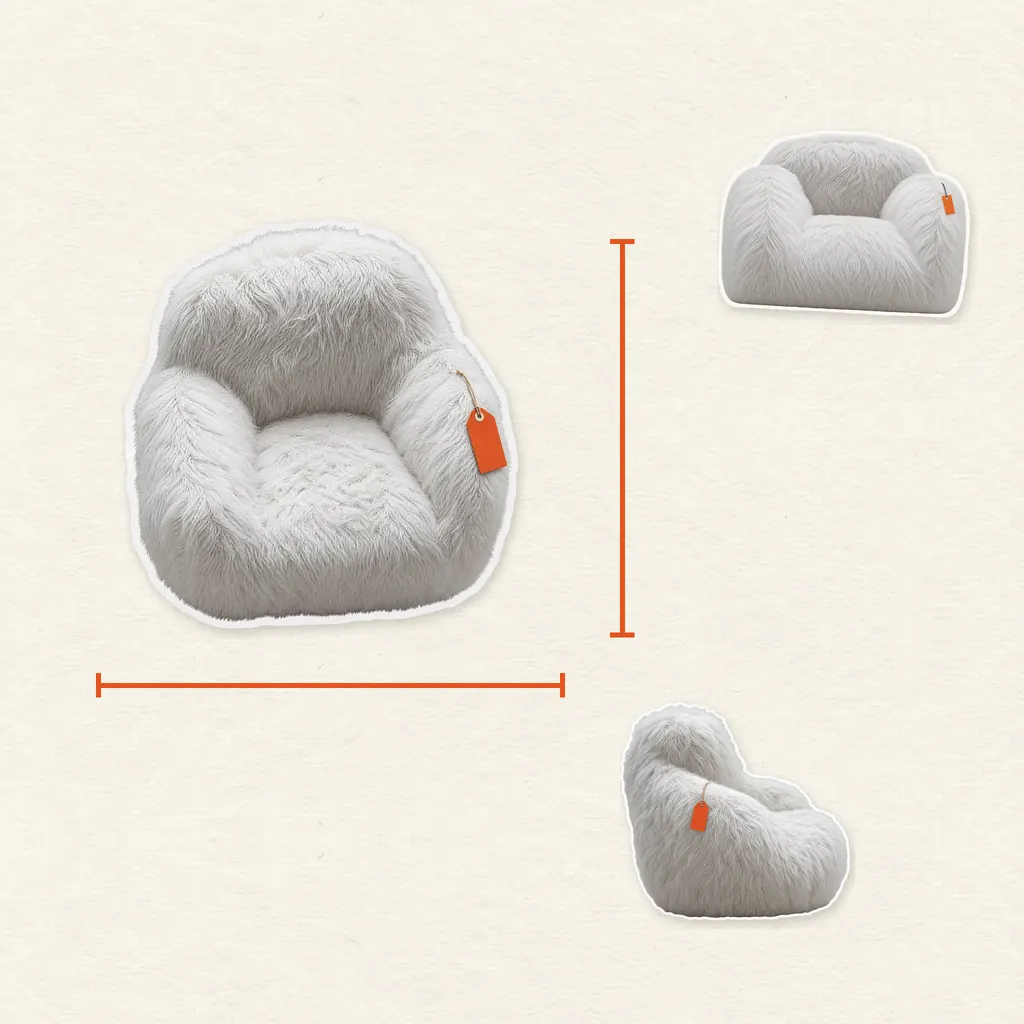
3D scan 1 fit
Walk once around your item and get a 3D model with its length, width and height. You'll need a Pro model, iPhone 12 Pro or later.
Import a 3D model free
If the manufacturer offers a 3D model, open it in SpaceSnug® and know the dimensions before your furniture is even delivered.
Manual free
Type in the length, width and height, say from the online store or your tape measure. No scan needed.

spaces
Getting it there.
Front door, stairwell, car trunk: see in advance whether your item will make it through and where it gets tight.
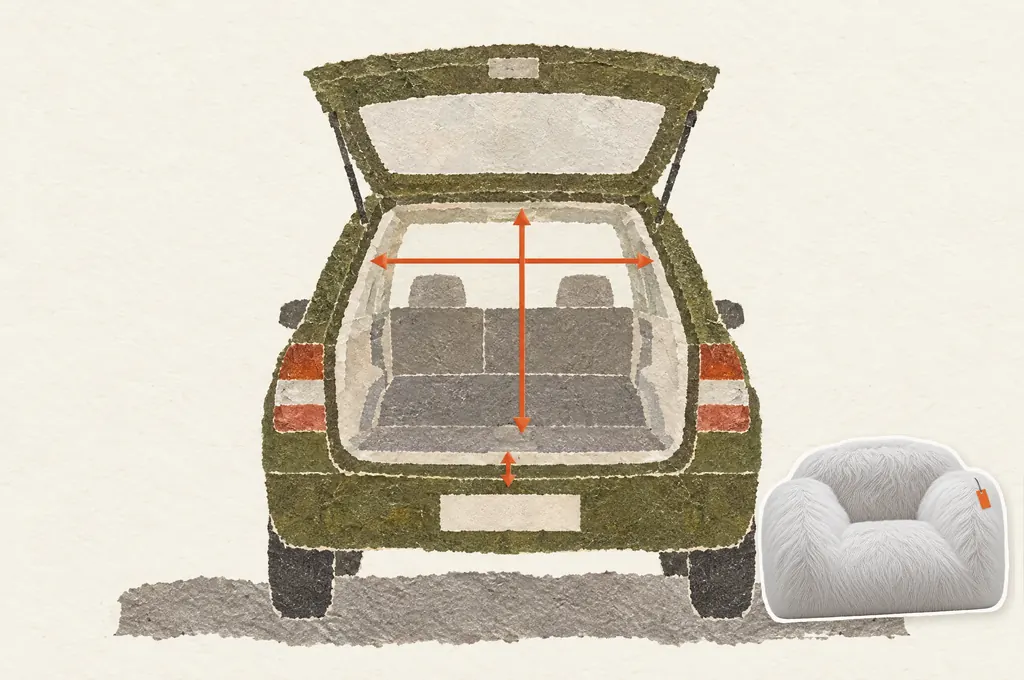
Trunk 1 fit
Pick your car and scan the trunk with the tailgate open. If your car has already been measured, use that measurement and skip the scan. The app tells you whether your item will fit in over the loading lip.
Walkway 1 fit
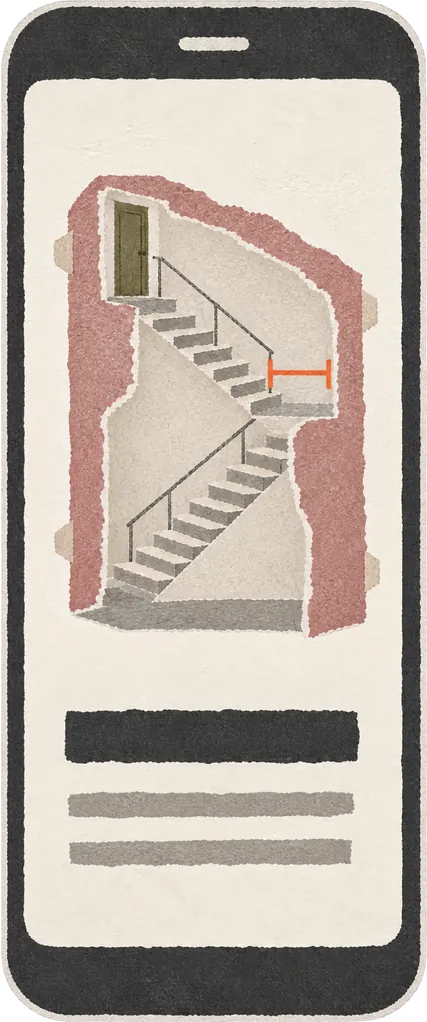
Walk the route once, from the front door to where your item will stand. The app shows you whether it gets through, tilted or upright if need be, and how to carry it around corners. If it doesn't fit, you see where it gets stuck and by how much.
Manual free
Type in the width and height of an opening, such as the basement door or the garden gate, and see right away whether your item fits through. Turns and stairs aren't taken into account here.
rooms
Where it's going to stand.
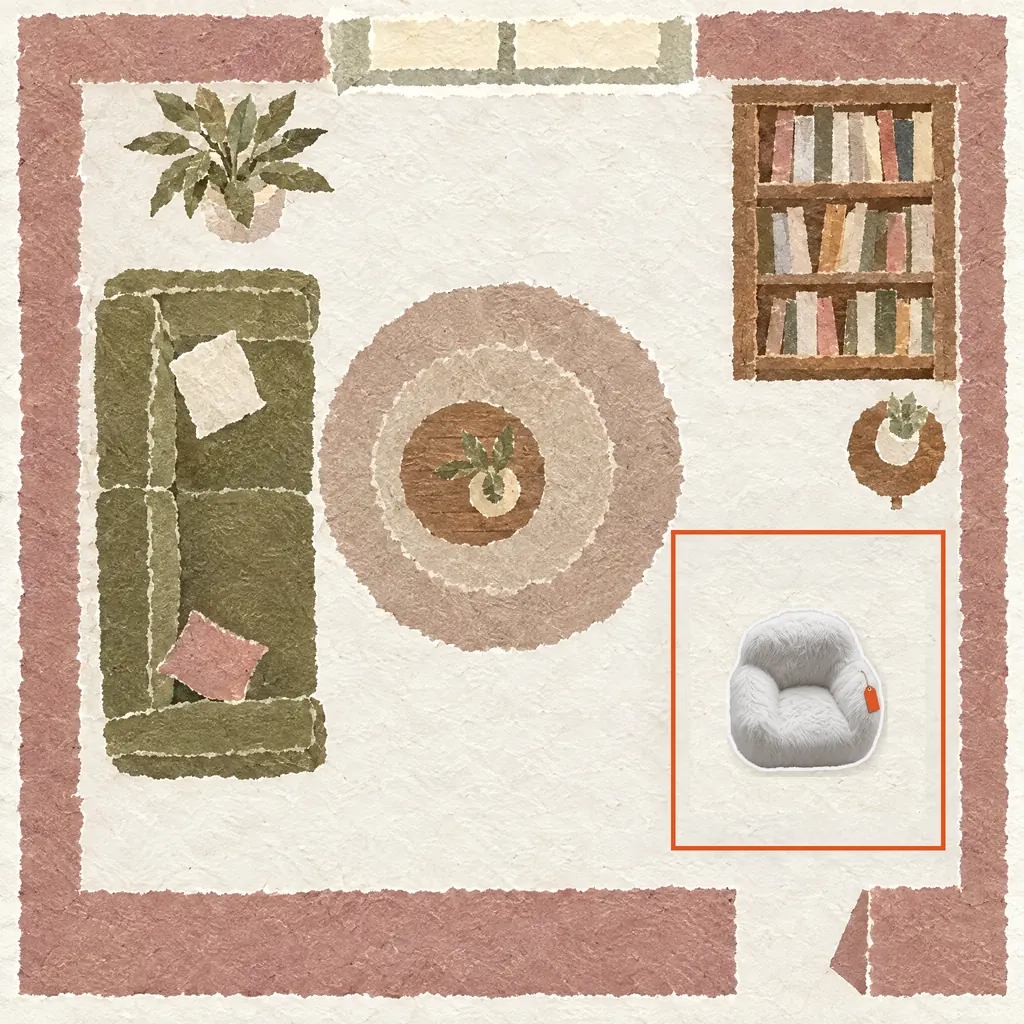
Bring your room onto your iPhone and try out where your new furniture will go.
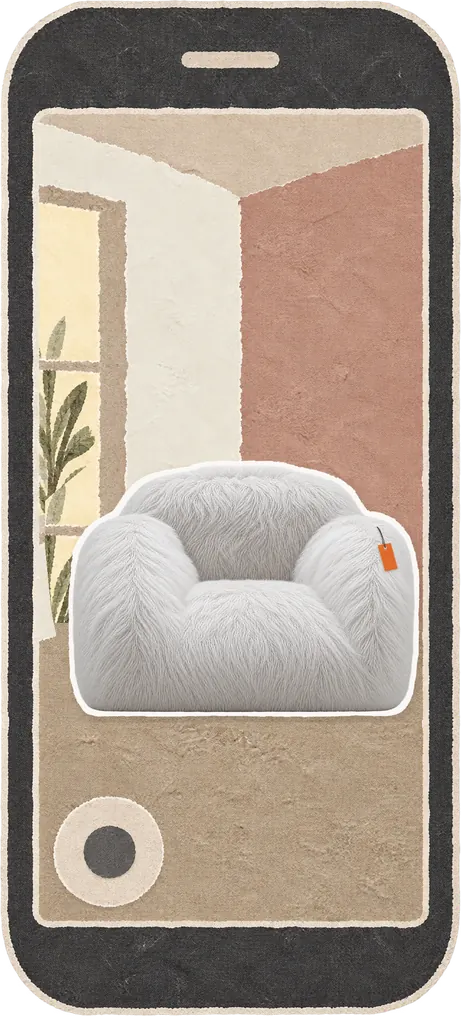
Scan room 1 fit
Walk once through the room and get it as a 3D model. Then set it up as often as you like. This also requires a Pro model.
Set up free
Place scanned and imported items in the room, move and rotate them, and walk through it virtually. Save different arrangements side by side.
Measure free
The app finds a free spot in the room for your item and checks that the ceiling above it is high enough. This works with typed-in dimensions too.

Make sure it fits first.
Download on the App Storequestions
Frequently asked questions.
I don't have the furniture yet. Can I still use it?
Yes. Type in the dimensions from the store, or import the manufacturer's 3D model if it's available as a USDZ file; other formats aren't supported. You can scan the route and the room before you buy.
How precise are the measurements?
Scanned dimensions are approximations, not tape-measure readings. That's why the app says "Doesn't fit" when in doubt. It also allows room for your hands while you carry. This is no guarantee: if it says "Fits, but with little room to spare", measure the narrowest point yourself before you buy.
Are there any limitations?
Yes. The scan struggles with reflective or transparent surfaces such as chrome or glass. If the app notices gaps, it tells you; for furniture with a lot of chrome or glass, you're better off using the manufacturer's dimensions. Outdoors there's no ceiling, so the height is missing; type in a garden gate by hand instead. To scan, you need an iPhone with a LiDAR sensor, meaning a Pro model, iPhone 12 Pro or later. The app runs on iOS 26.2 or later, not on iPad or Android.
What if I can't walk around an item?
Then type in the dimensions or import the manufacturer's model. Typed-in dimensions become a simple box, which if anything makes the check stricter.
Can I use the app without internet?
Mostly. Scanning, checking and setting up run on your iPhone; the Fit for a scan is deducted once you're back online. You need a connection to sign in, make purchases, use the trunk measurement of a car that has already been measured, and share contributions.
What does it cost?
The app, your account, typing in dimensions, importing models and checking are free. A scan costs one Fit, and so does reprocessing a scan or using the trunk measurement of a car that has already been measured. For a scan, the Fit is only deducted when you save the result; if processing fails, the next attempt is free. Fits come as a pack or as a subscription that renews automatically. You'll find prices in the App Store.
What happens to my data?
Photos and 3D models stay on your iPhone. Our server knows your account and your purchases; you sign in with Apple or email and must be at least 16. Sharing contributions is entirely up to you. A contribution contains only shape and dimensions: no photos, no location, no link to your account. Once shared, it can't be withdrawn. The app also sends ratings, feedback when you reprocess a scan, and processing times per iPhone model; this is on by default, and you can turn it off in Settings. You'll find more in the Privacy Policy.